
There's just something about grainy film photos that are just so trendy and cool right now. Polaroids in particular have experienced a resurgence over the past few years. Need proof? Local celebrities love these analog pics that are a great aesthetic for the 'gram!
Nadine Lustre's Polaroid picture
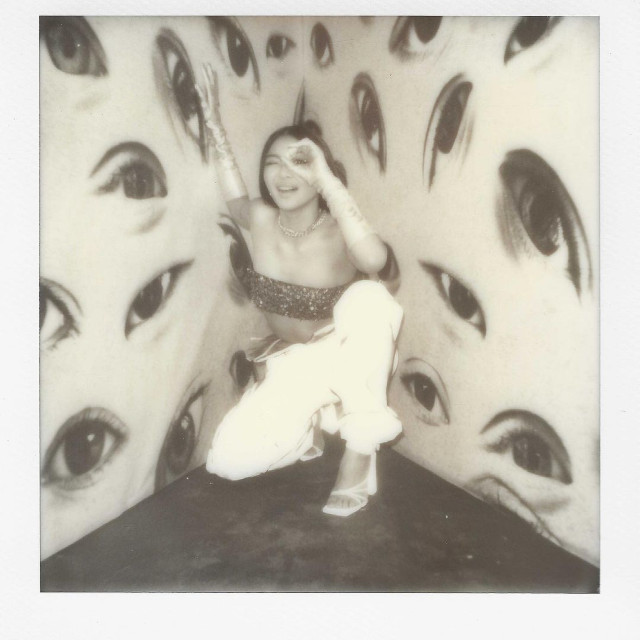
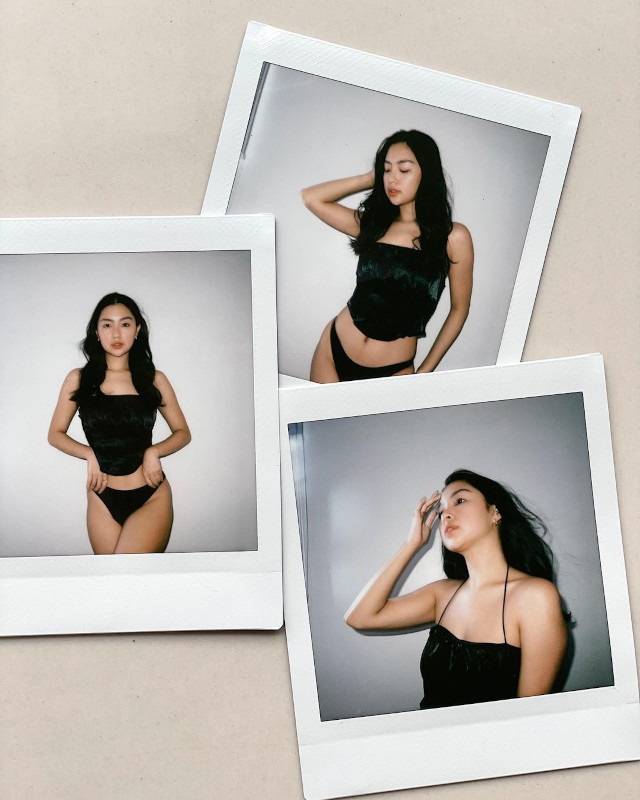
Rei Germar's Polaroid Photos
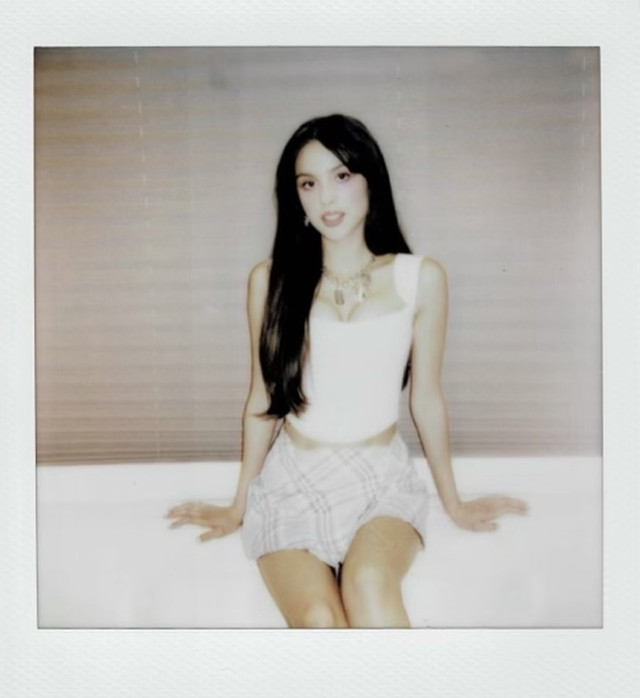
Olivia Rodrigo's Polaroid Photo
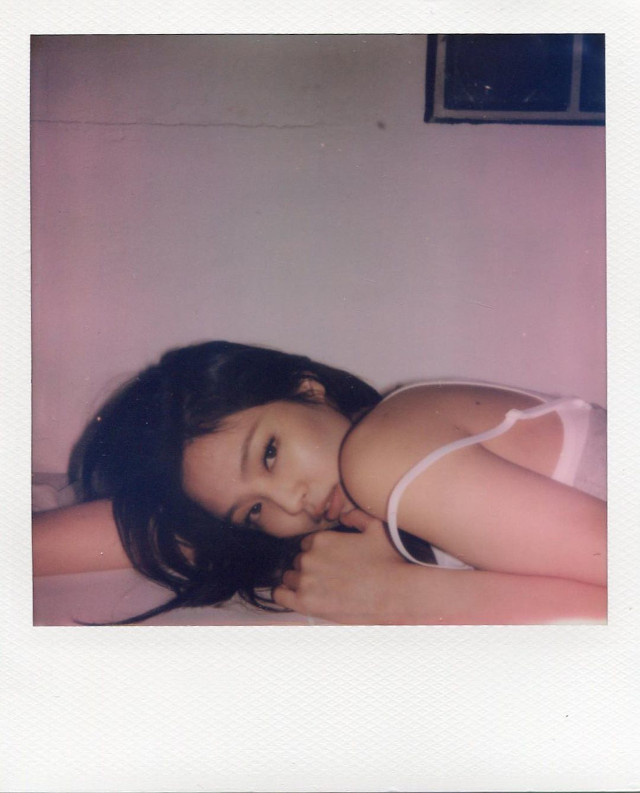
Jennie Kim's Polaroid Photo
The simplest way to cop this look is to buy a Polaroid or Instax camera. But a cam can be too expensive, so we suggest that you resort to the next best thing: Free mobile apps with Polaroid-like photo filters! Luckily, there are a lot of free apps to download to get this effect. But to ease your search, we've narrowed down it down to two top picks!
How To Get That Polaroid Effect For Your Photos Using Your Phone
Prequel
Downloading this app oddly makes photo editing both easy and difficult at the same time. There are lots of filters and effect combinations, so you could come out with whatever #aesthetic you want to achieve. On the flip side, because of the wide choices, you might have a hard time selecting the best result. (Free on the App Store and Google Play.)
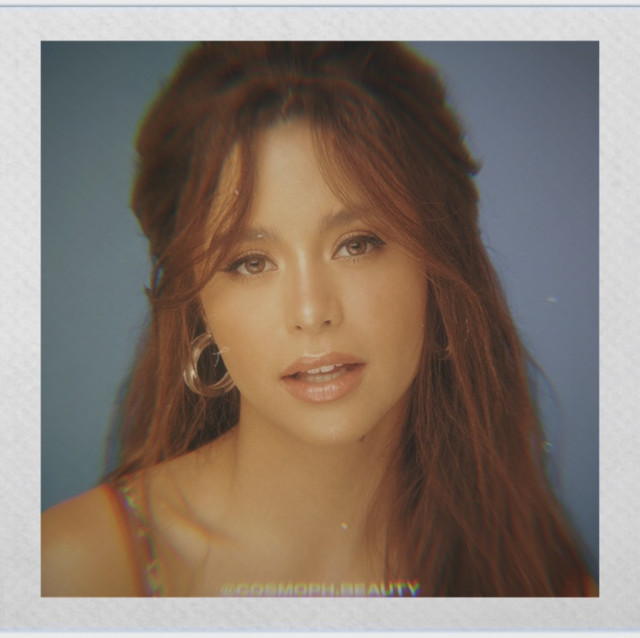
Dazz Cam
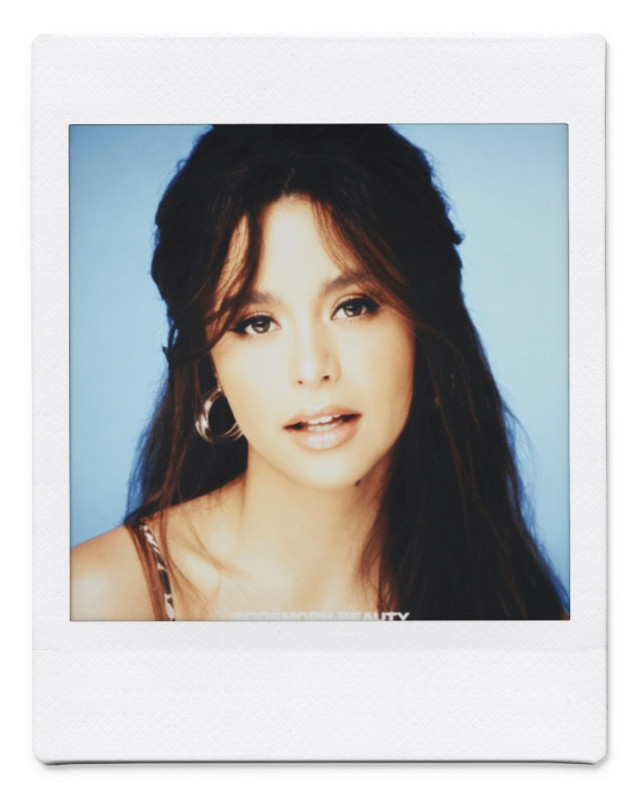
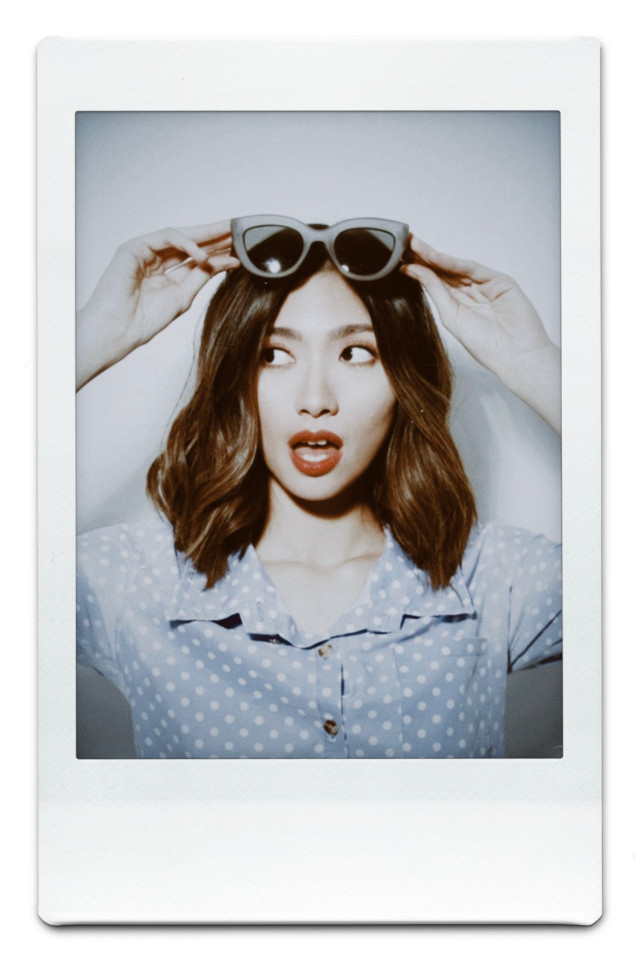
This app is for people who are too lazy to edit. Simply upload the pic you want and choose the Inst SQC (for square frames) and Inst C (for portrait frames) to score the Polaroid and Instax look. The frame colors can be adjusted, plus the frame has the texture of an actual instant photograph. (Free on the App Store.)
Sample photos using Polaroid and Intax filters:
*This story originally appeared on Cosmo.ph. Minor edits have been made by the Preview.ph editors.
Hey, Preview readers! Follow us on Facebook, Instagram, YouTube, Tiktok, and Twitter to stay up to speed on all things trendy and creative. We’ll curate the most stylish feed for you!
