
Let’s be real: As much as we like to pretend that our feeds aren’t curated, they are. Even the chaotic dumps that we post every month are curated to an extent. We all like to pretend that we don’t care what people think about us, but our very existence on social media shows just how much we do care. And if you’re in need of a reality check on what people really think about your feed without having to ask your friends what their true opinions are, here's an idea: Just ask ChatGPT!
Why Are People Asking ChatGPT to Roast Their Instagram Feeds?
For those of you who aren’t aware yet of what ChatGPT is, it’s an artificial intelligence (AI) chatbot and virtual assistant. People use it to assist them with, well, just about anything—from summarizing long-form content, to getting general information on history, to simply saving themselves from boredom. And most recently, users have been using it to "roast" their Instagram feeds just for laughs. People on Instagram are using the “Add Yours” sticker to show how ChatGPT perceives their profile. Even Erwan Heussaff joined in on the fun!
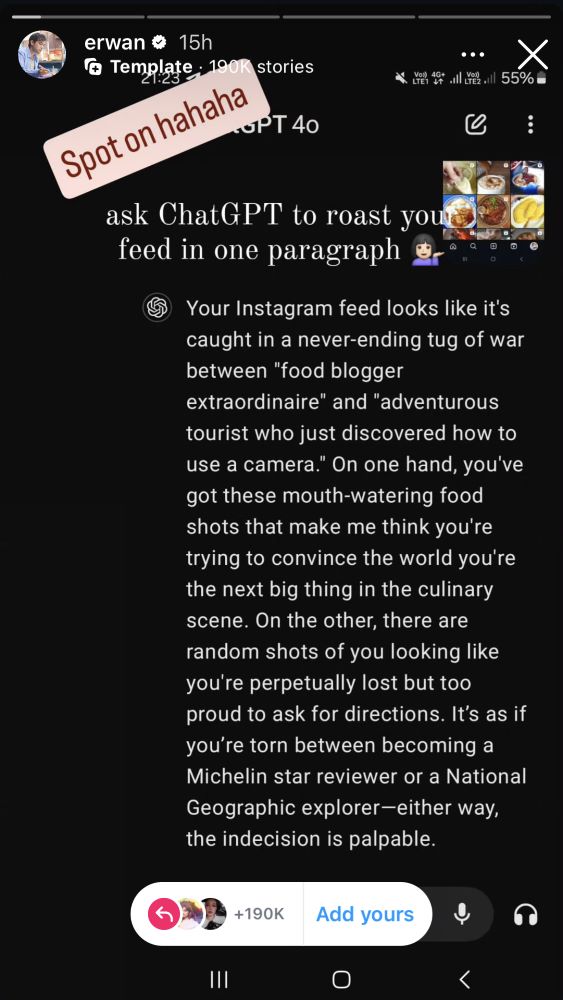
If you’re curious to know how to get the AI to judge your Instagram feed as well (and maybe even get some tips on how to improve your aesthetic), keep reading.
How to Get ChatGPT to Roast Your Instagram Feed
There are two ways to get ChatGPT to roast your feed, you can either do it on your phone or desktop. Ahead, we take you through the step-by-step process of how to do it for both devices.
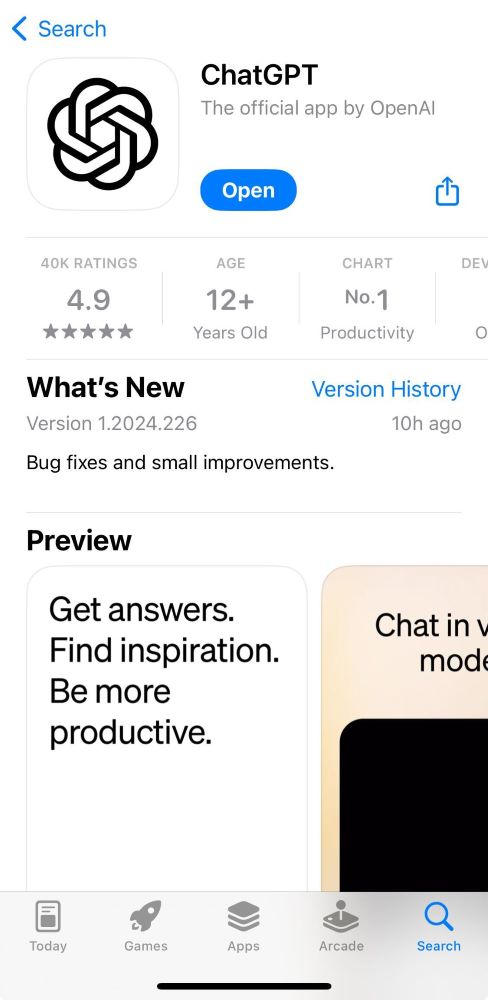
1. Install the app or visit chatgpt.com
If you’re using your desktop you can access ChatGPT through chatgpt.com. Although you can use ChatGPT on your mobile browser, it also has an app that you can install through the Google Play and Apple stores.
2. Take a screenshot of your feed
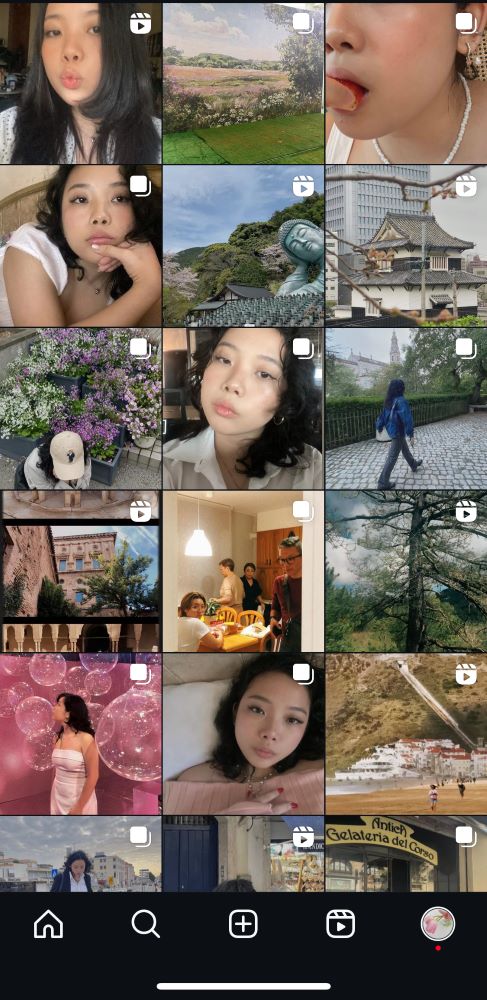
Once you’ve accessed the website or installed the app on your phone and created your account, take a screenshot of your Instagram feed.
3. Upload your photo
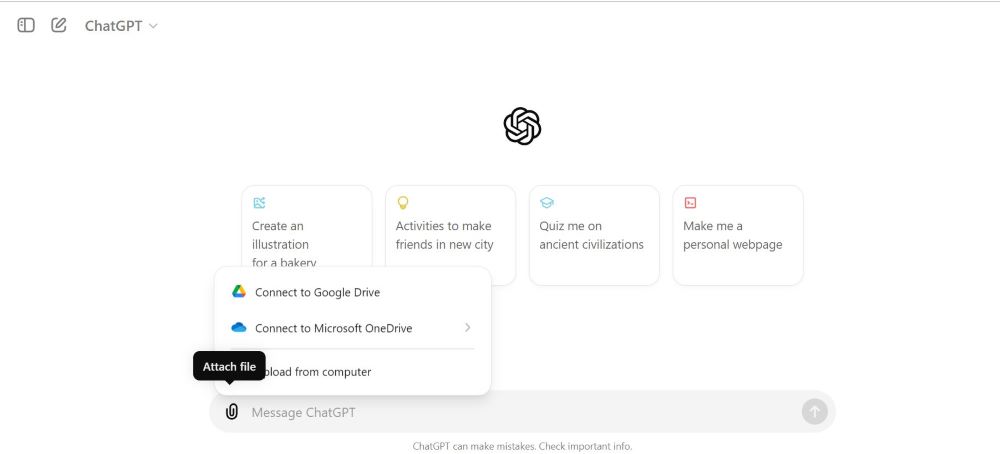
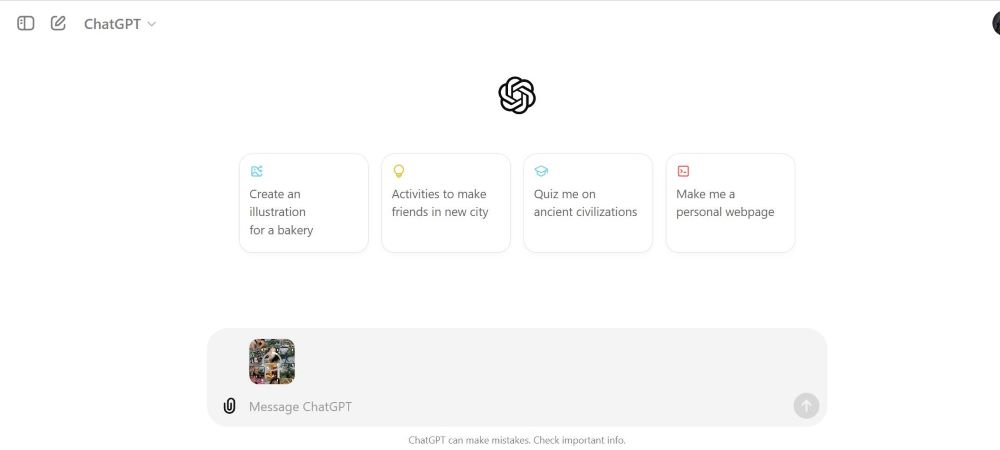
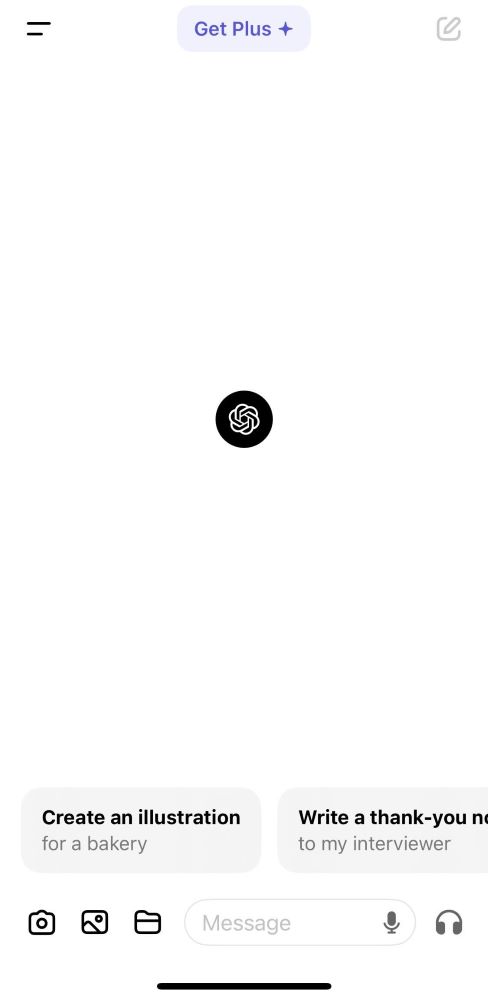
For desktop users, you can simply drag and drop the file into the chat or press the paperclip icon and upload the photo. On the app, the interface is a little different. Instead of a paperclip icon, you’ll find an image icon (the second icon) on the bottom left of the screen. Click on the image icon and select the screenshot of your feed from your gallery.
For Desktop:
For Mobile:
4. Type in the prompt
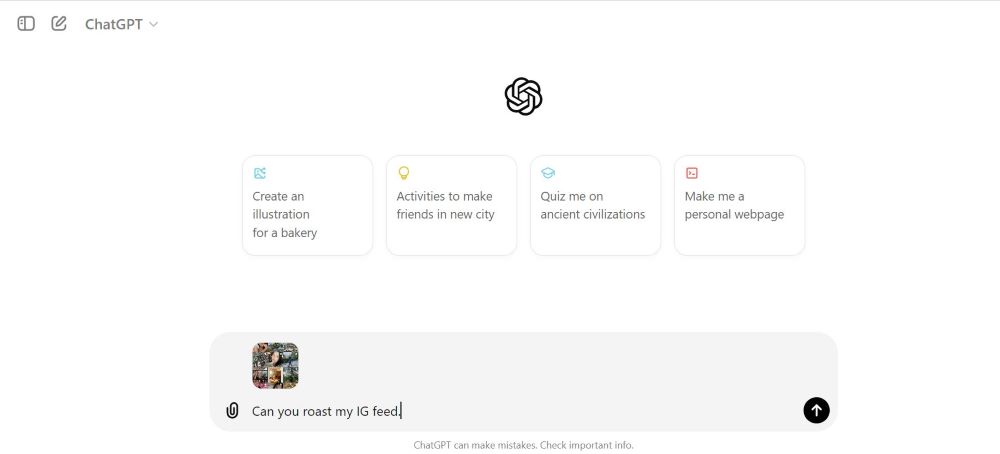
There are several prompts that you can use, but I used: “Can you roast my IG feed?” You can see the results here:
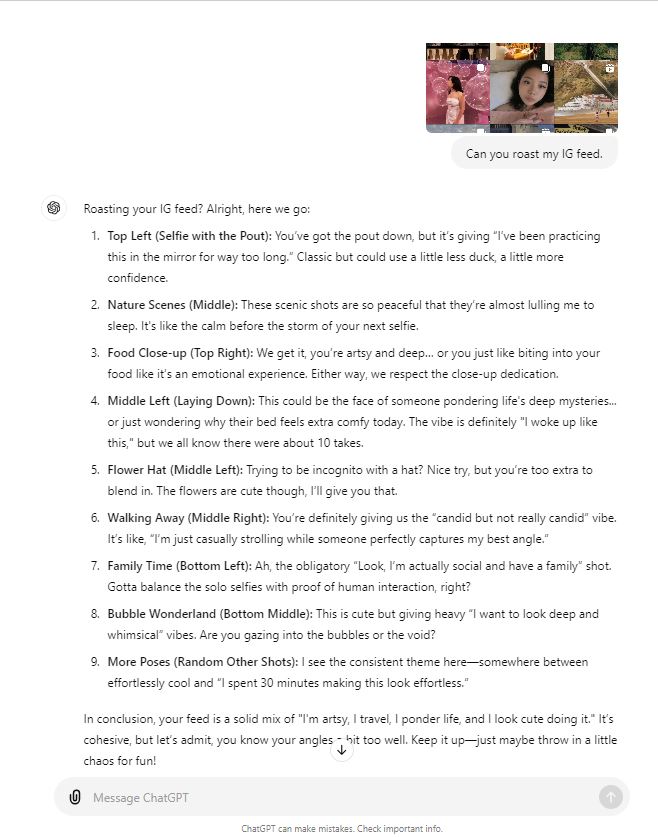
Ouch! But it's all in good fun. One thing we do have to say though is that it's incredibly on point. So much so that it's almost kind of creepy, TBH.
How did your Instagram feed fare?
Hey, Preview readers! Follow us on Facebook, Instagram, YouTube, Tiktok, and Twitter to stay up to speed on all things trendy and creative. We’ll curate the most stylish feed for you!
