
We can’t be the only ones glad that the digital camera trend is making a comeback. There's something undeniably nostalgic about the grainy, slightly overexposed, flash-heavy photos that evoke fond memories of the early 2000s. Naturally, Gen Z celebrities like Niana Guerrero and AC Bonifacio have hopped on the trend.
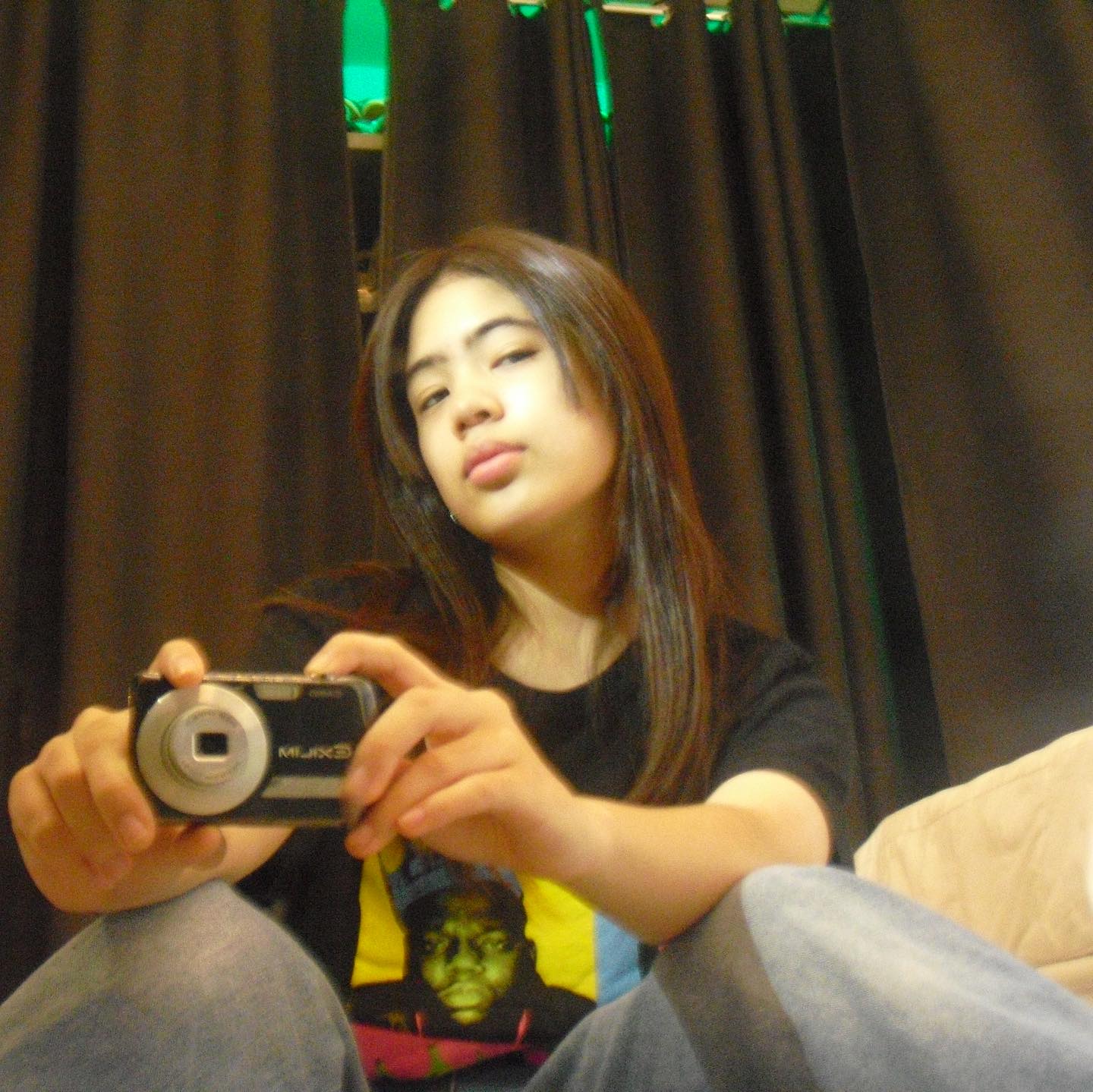
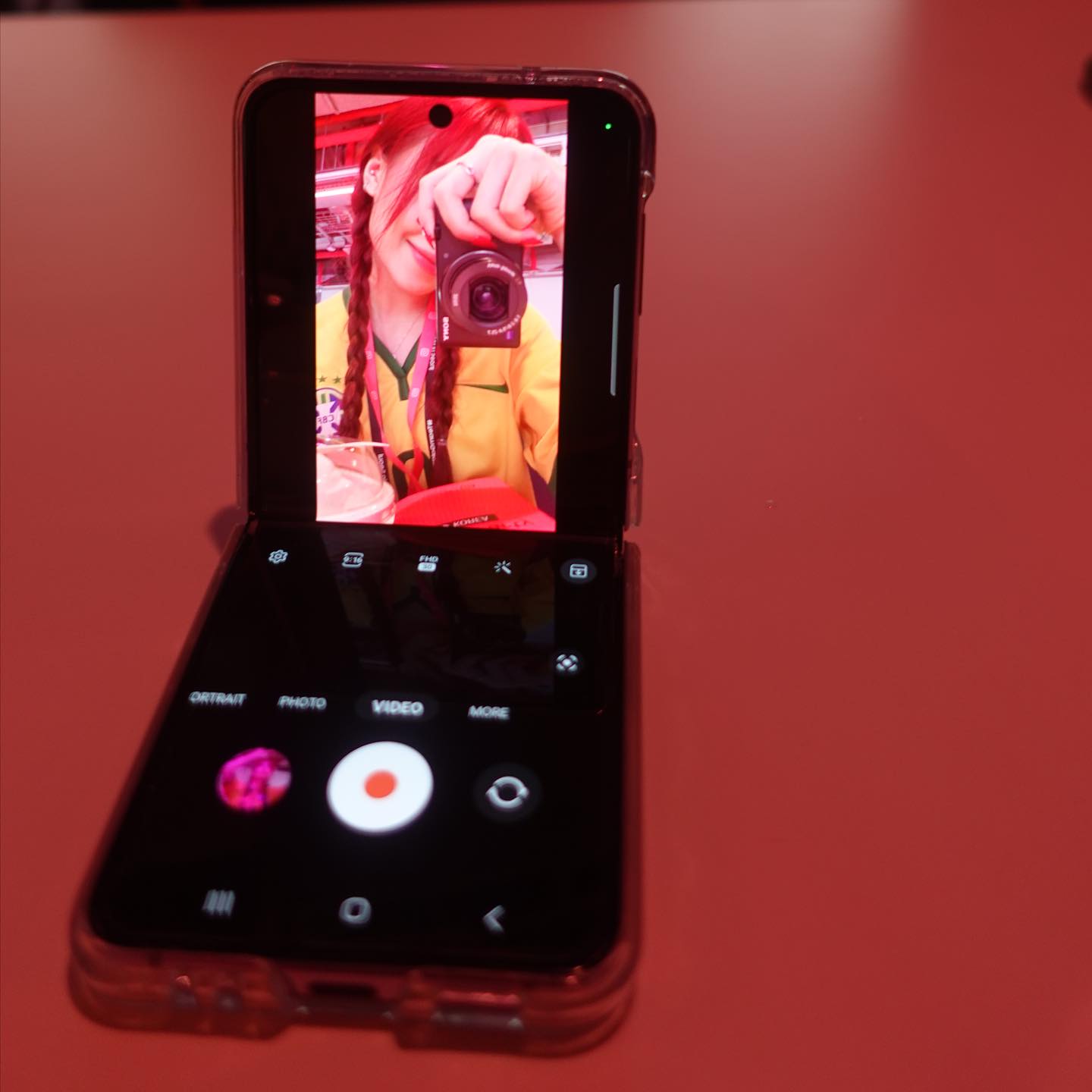
Thinking of doing the same? If you still have one of your vintage digicams lying around your house, lucky you. But for those who lack them, you don’t need to buy one to get those trendy, film-like shots. With just your phone and a couple of apps, you can easily capture photos that look like they're from the great Y2k. Here's how!
GUIDE: How to Achieve the Digicam Effect Using Your Phone
1. Use flash, even during the day
One of the secrets to capturing the iconic digicam look is using your phone’s flash, even when there’s plenty of natural light. The flash creates that overexposed, slightly harsh glow typical of old-school digital cameras. It also highlights subjects with a nostalgic touch reminiscent of photos from early point-and-shoot cameras.
2. Download a digicam filter app
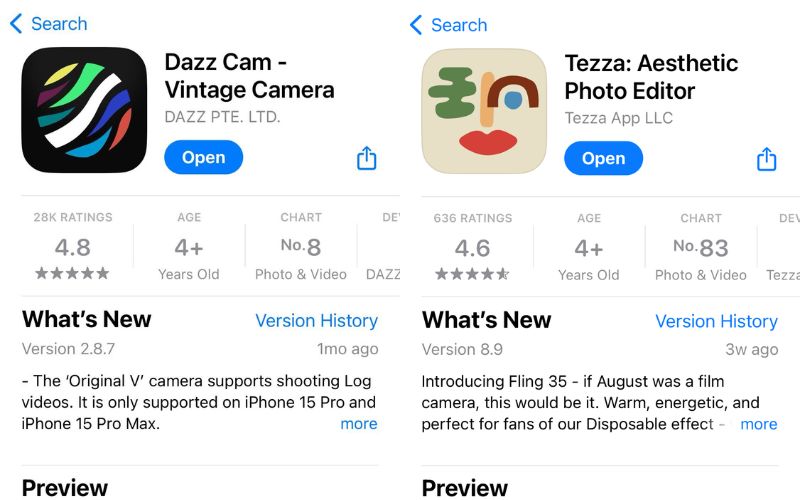
To get a more authentic digicam effect, consider using apps specifically designed for this look. DazzCam is a must-try. It offers a variety of filters, including the standout CCD effect, which mimics the grainy, slightly imperfect quality of real digital cameras. You can also adjust the flash settings within the app to further enhance the vibe.
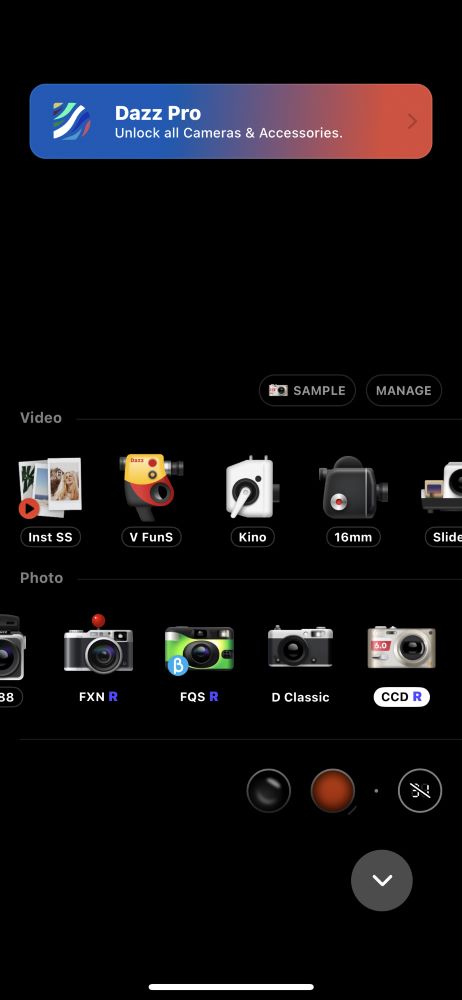
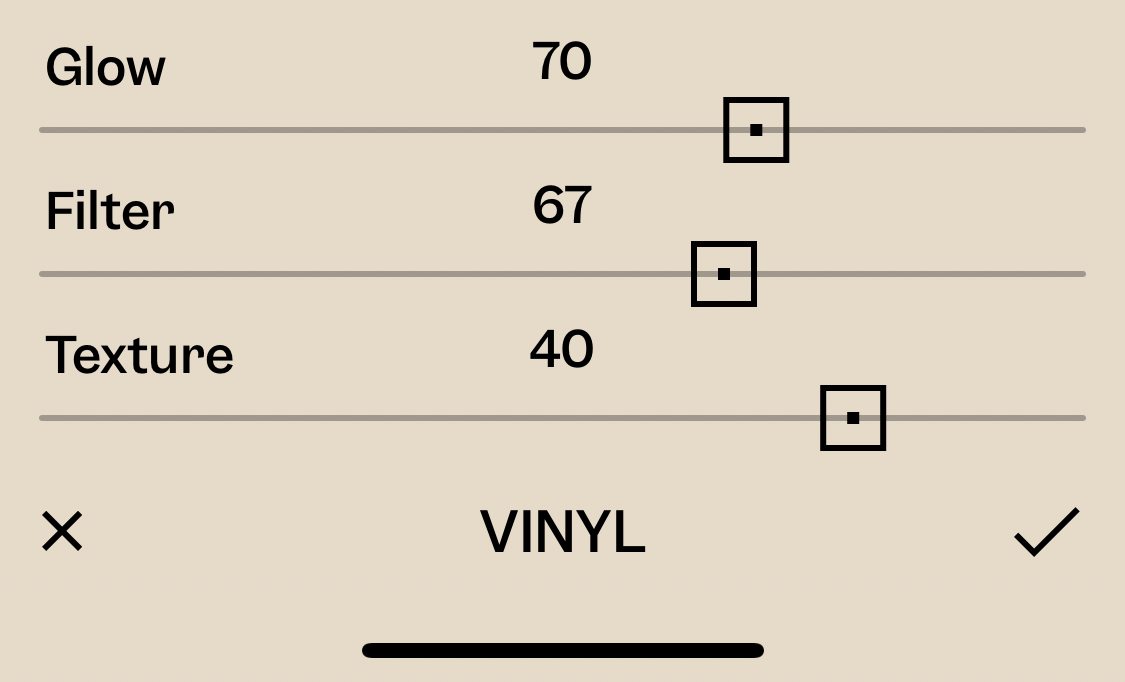
If you're after a more film-like aesthetic, the TEZZA app is another excellent tool. It has a filter called Vinyl, which, when adjusted correctly, can give your photos a beautiful, grainy finish. Play around with the intensity until you get the right balance—usually, bumping the glow setting to around 70 will give you that dreamy, soft focus.
3. Add blur for an authentic touch
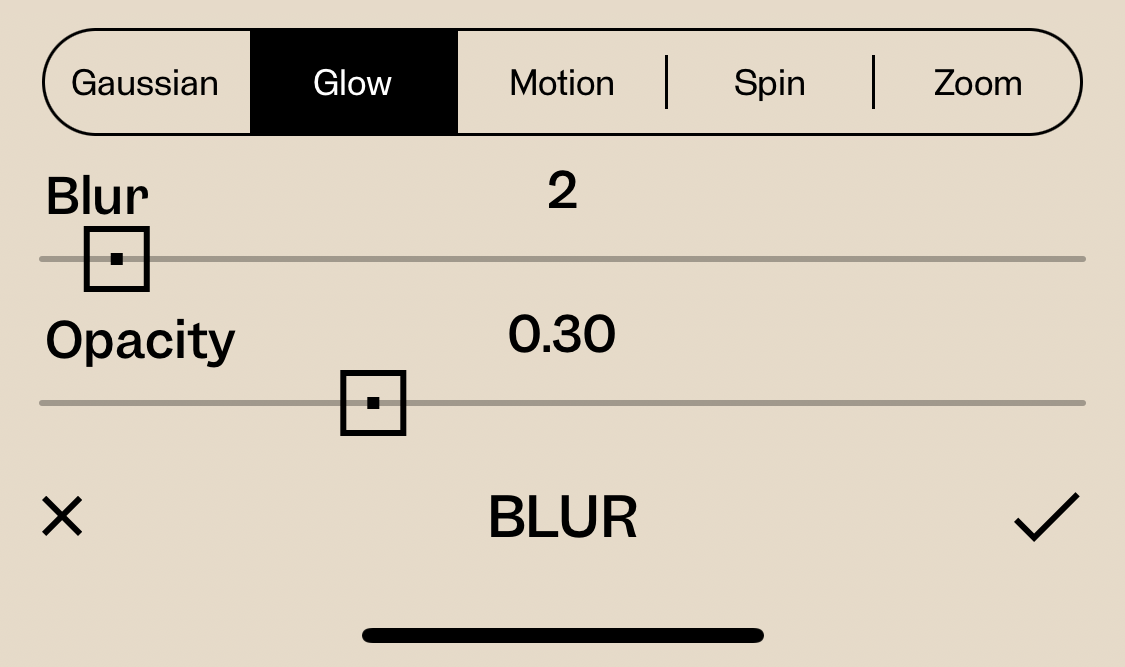
The key to nailing the digital camera effect isn’t just in the filters, but also in the subtle touches like blur. Apps like TEZZA let you increase the blur effect for a more film-like look. In the settings, you can bump the blur up by +2 and adjust the opacity to around -30. This slight blur adds to the authenticity, making it feel like a casual snapshot from a digital camera.
4. Fine-tune your adjustments
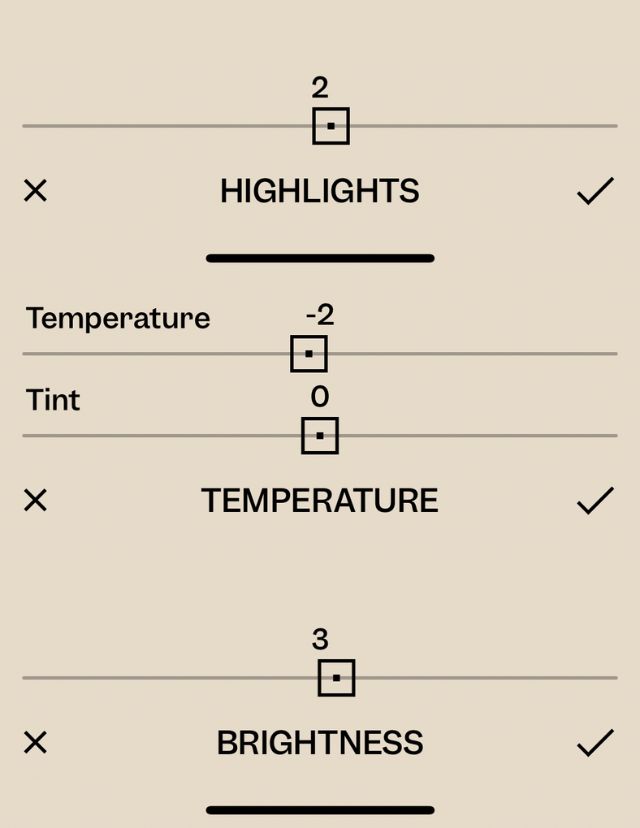
It’s all about playing with the settings. Using the TEZZA app, add a slight glow to your image by raising the Highlights from +2 to +5. Lowering the Temperature by -2 can give your photos a cooler tone, mimicking the color profile of older cameras. Then, if you feel like the photo is a bit dark or you hope to bring out that overexposed feel, increase the Brightness slightly by +3 or +4.
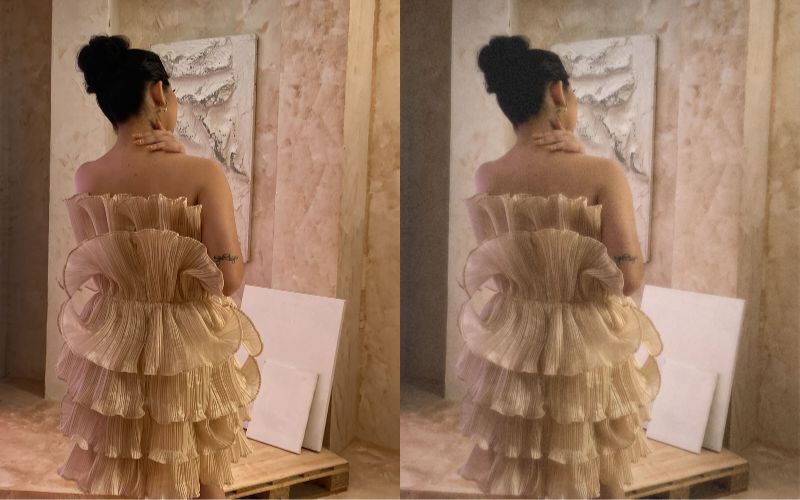
Jotted that down? Share your results by tagging us on Instagram and X at @previewph!
Hey, Preview readers! Follow us on Facebook, Instagram, YouTube, Tiktok, and Twitter to stay up to speed on all things trendy and creative. We’ll curate the most stylish feed for you!
